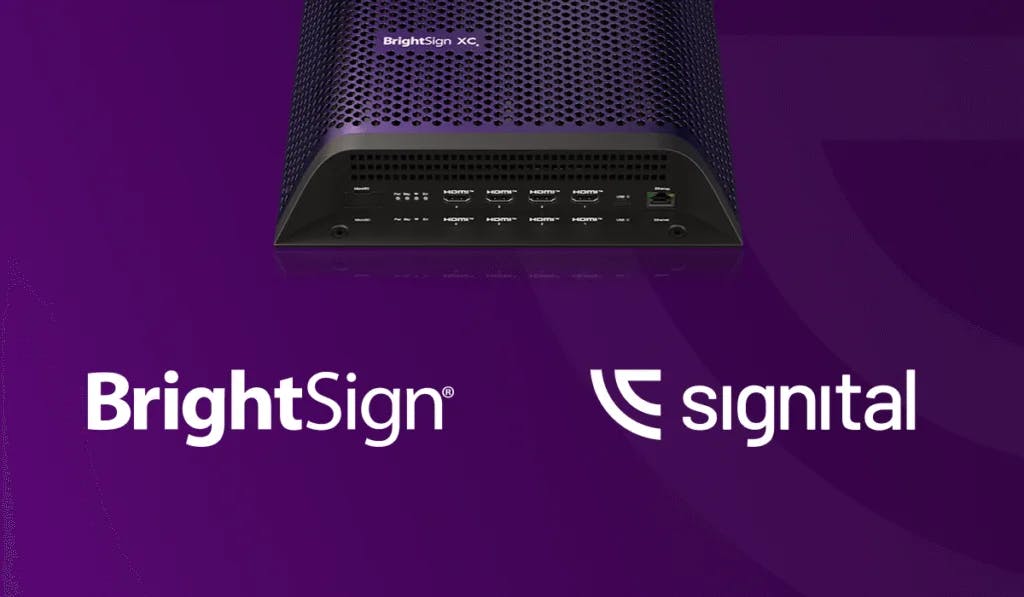
We are thrilled to announce that Signital has officially joined the BrightSign Partner Gallery. This milestone marks a significant expansion of the Signital ecosystem, offering our users a seamless bridge between the world’s most reliable signage hardware and our intuitive cloud-based CMS.
What is the BrightSign Partner Gallery?
The BrightSign Partner Gallery is a curated elite list of CMS providers integrated directly into BSN.cloud, BrightSign’s cloud-management platform.
This integration removes the traditional barriers to hardware deployment. When you set up a player in BrightAuthor:Connected, Signital is offered as a Partner App under Publishing Mode. Choose it, write the setup to a microSD card, and the player boots straight into Signital and shows a pairing code. By eliminating manual configuration, we’ve turned a complex IT task into a "plug-and-play" experience.
Why This Matters for Your Network
For organizations that require dedicated hardware for mission-critical displays, this partnership delivers four key advantages:
- Zero-Touch Provisioning: Go from unboxing to a pairing code in minutes. Write the setup to a microSD card once, save it to your library in BrightAuthor:Connected, and reuse it for every player you unbox.
- Hardware-Grade Reliability: While Signital excels in browser-based environments, this partnership allows you to leverage BrightSign’s legendary "purple box" durability for 24/7 high-performance requirements.
- Enterprise Scalability: Provisioning one thousand players is now as easy as provisioning one. The saved setup gives every player the same configuration, and the Signital portal manages them all afterwards, so your network scales without increasing your IT workload.
- Best-in-Class Security: The combination of Signital’s secure cloud and BrightSign’s hardened OS provides an enterprise-ready solution for banking, healthcare, and corporate environments.
A Partnership Built for Performance
BrightSign is the global leader in digital signage media players, and their "Partner Gallery" is reserved for CMS platforms that meet strict standards for performance and ease of use.
By joining this gallery, Signital is recognized as a trusted partner capable of driving world-class hardware. Whether you are running a single screen via a Smart TV browser or a global network on dedicated BrightSign players, Signital remains your single, unified portal for total control. The step-by-step setup is in the BrightSign player guide at docs.signital.com.
About Signital
Signital is a modern digital signage CMS designed to make content management simple, fast, and affordable. We specialize in removing the technical friction from digital communication, helping brands deliver impactful messaging without the complexity.
About BrightSign
BrightSign, LLC is the global market leader in digital signage media players. Their products are known for superior reliability, security, and performance, powering millions of digital signage displays worldwide.