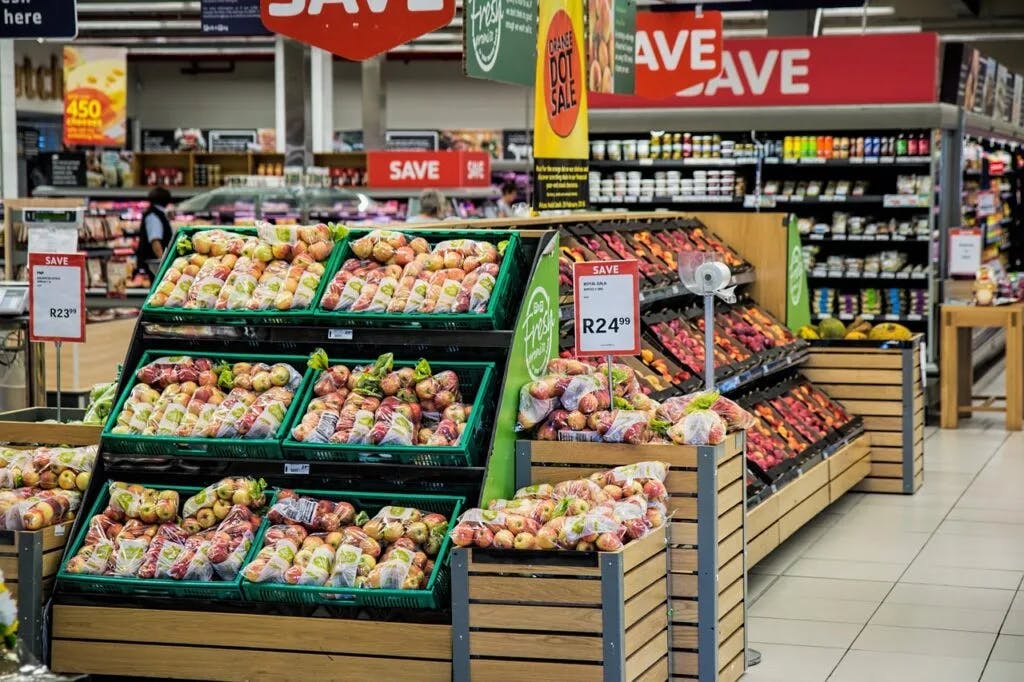
Digital signage is revolutionizing the retail landscape by helping store owners attract more customers and drive deeper engagement. Whether you own a boutique, an electronics shop, or a supermarket, digital displays allow you to set your business apart from the competition. By moving beyond static posters, you can speak to your customers in real time.
Here are nine powerful ways shops are leveraging digital signage to increase their bottom line.
1. Promote Special Offers and Instant Discounts
Retailers can use digital signage to showcase limited-time discounts and flash sales that catch the eye immediately. By displaying visually compelling motion graphics, you can encourage impulse purchases and drive foot traffic to specific departments or high-margin sections of your store.
2. Highlight Best-Sellers and New Arrivals
Your most popular or newly arrived products deserve the spotlight. Digital displays allow you to feature high-quality images and videos of trending items, enticing customers to explore products they might have otherwise overlooked. It is an effective way to keep your inventory moving and your store feeling fresh.
3. Transform Your Window Displays
Your storefront is your first chance to make an impression. Digital signage in window displays grabs the attention of passersby with dynamic video ads or real-time promotions. An engaging window display is often the difference between someone walking past your store and someone walking in.
4. Encourage Upselling and Cross-Selling
Strategic signage can act as a silent salesperson by suggesting complementary products. For example, a shoe store can use a nearby screen to promote matching accessories, while a supermarket can recommend specific wine pairings or bundled meal discounts. This naturally increases the average transaction value without requiring extra effort from your staff.
5. Provide Interactive Product Demonstrations
Demonstration videos beside the shelf let customers see product features in use, watch a short tutorial, or compare items side by side. A QR code on the screen can open the full spec sheet on their phone. This helps shoppers make informed decisions and builds the confidence they need to complete a purchase, leading to higher conversion rates.
6. Display Social Proof and User-Generated Content
Modern shoppers trust the opinions of their peers. By showcasing customer reviews, social media mentions, and influencer collaborations directly on your screens, you build authenticity. Letting your customers do the talking for you is one of the fastest ways to build trust in a physical retail environment.
7. Simplify the Journey with Digital Wayfinding
In larger retail spaces or shopping centers, frustration is a sales-killer. Digital signage at entrances and escalators can show floor maps and store directories to ensure a smoother journey. When customers can easily find what they are looking for, they are much more likely to have a positive experience and return in the future.
8. Run Time-Sensitive Flash Sales
One of the greatest strengths of digital signage is the ability to create urgency. Schedule a flash sale to start and end at a fixed time and the screen enforces the deadline for you, and a sold-out line comes off the board with one edit and a publish. This encourages customers to act fast and make immediate purchases before the deal, or the inventory, runs out.
9. Boost Engagement Through Gamification
You can turn shopping into an experience by incorporating games, spin-to-win promotions, or QR code-based scavenger hunts. Gamified experiences keep customers in the store longer and create a memorable connection with your brand, which is a key driver for long-term loyalty.